

Modern Maintenance &
Asset management solution
Combine asset information and maintenance workflows in one connected system.


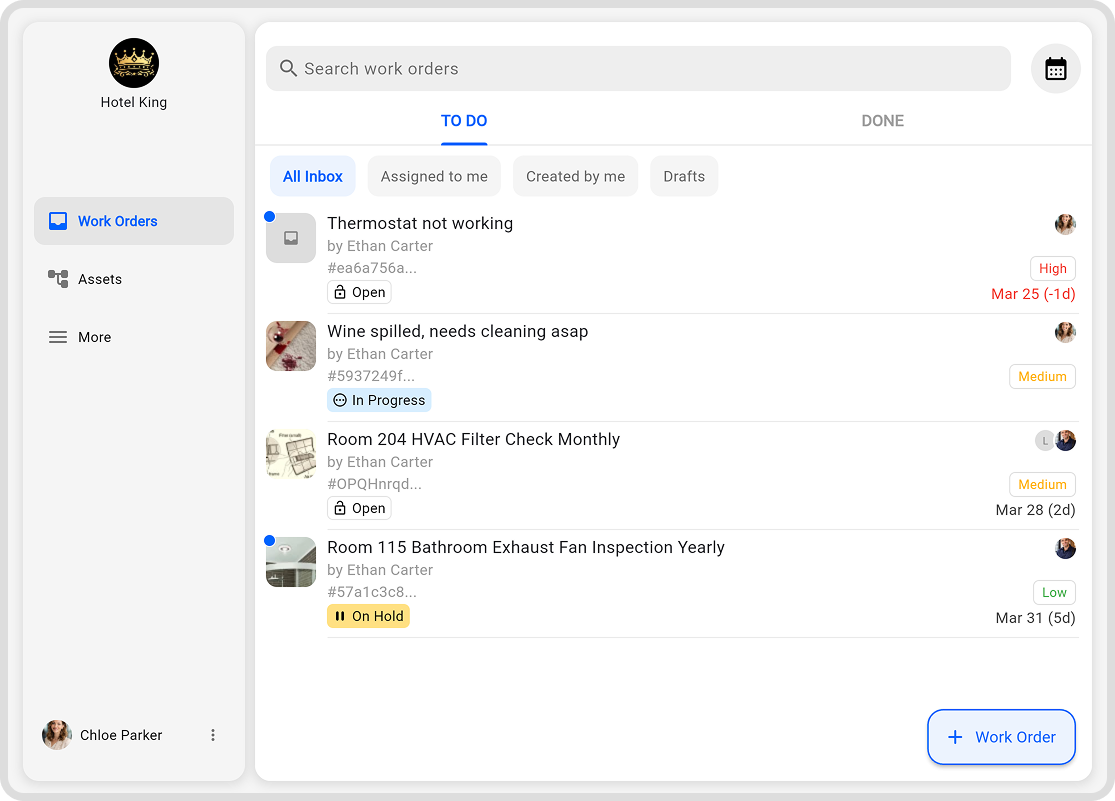
Work orders
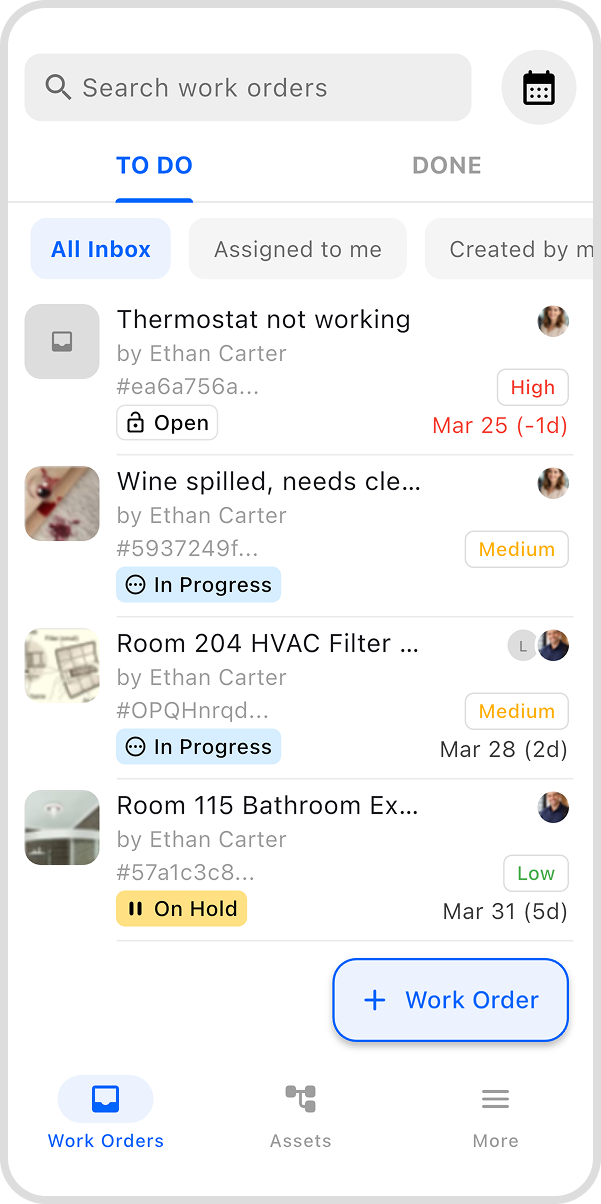
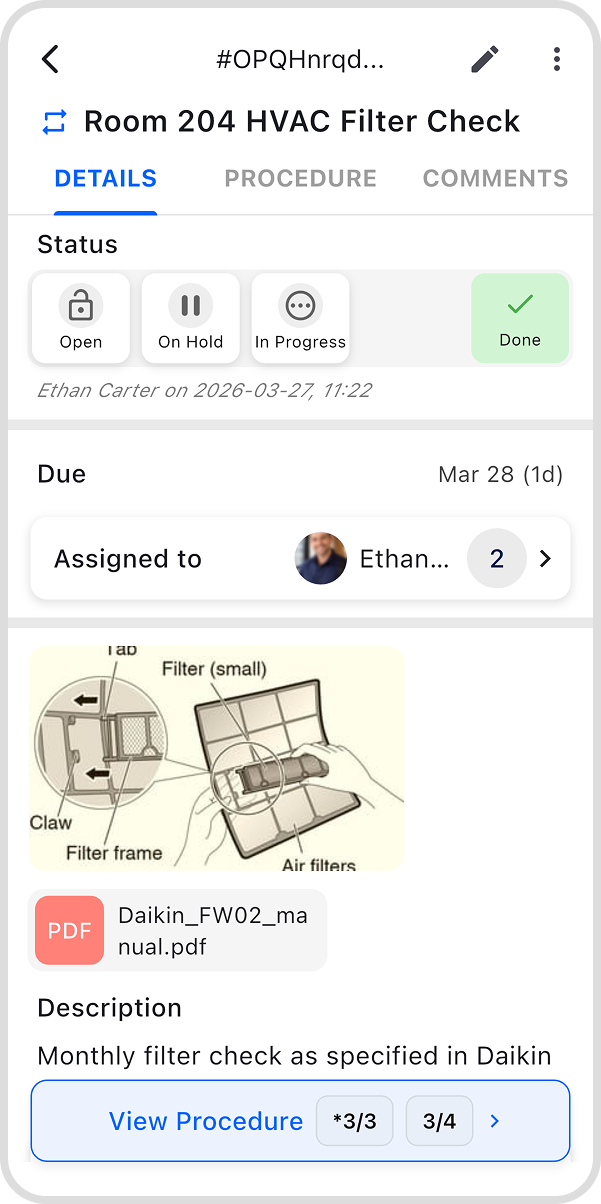
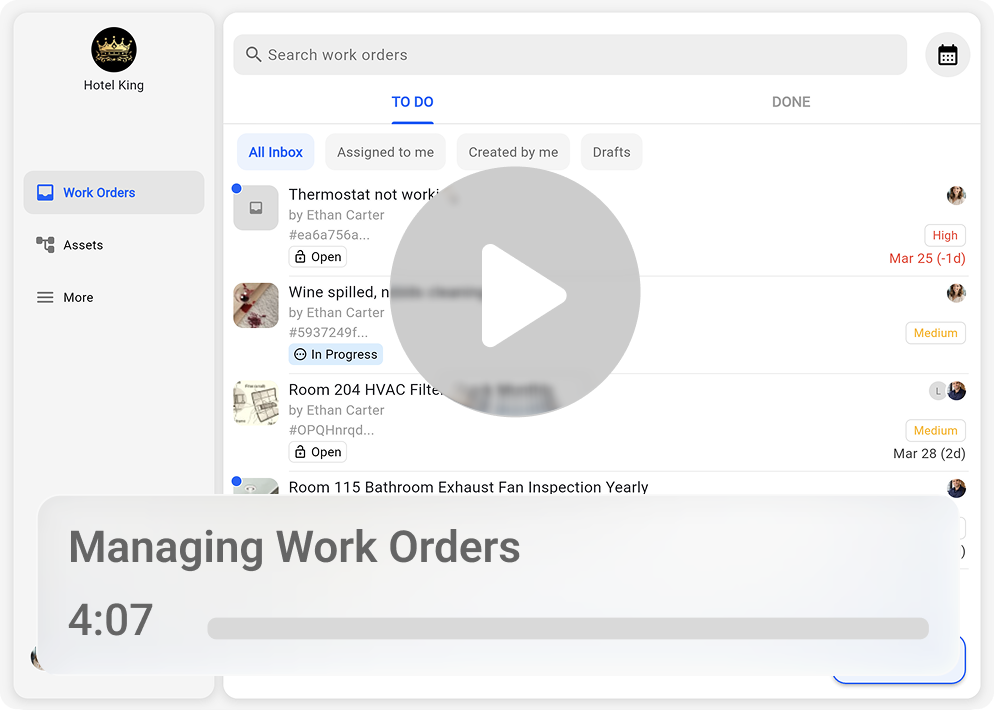
View, Create, assign, and complete work orders in real time from the field or from office, even while temporarily offline.
Ensure that every user only sees the work orders they are authorized to access.
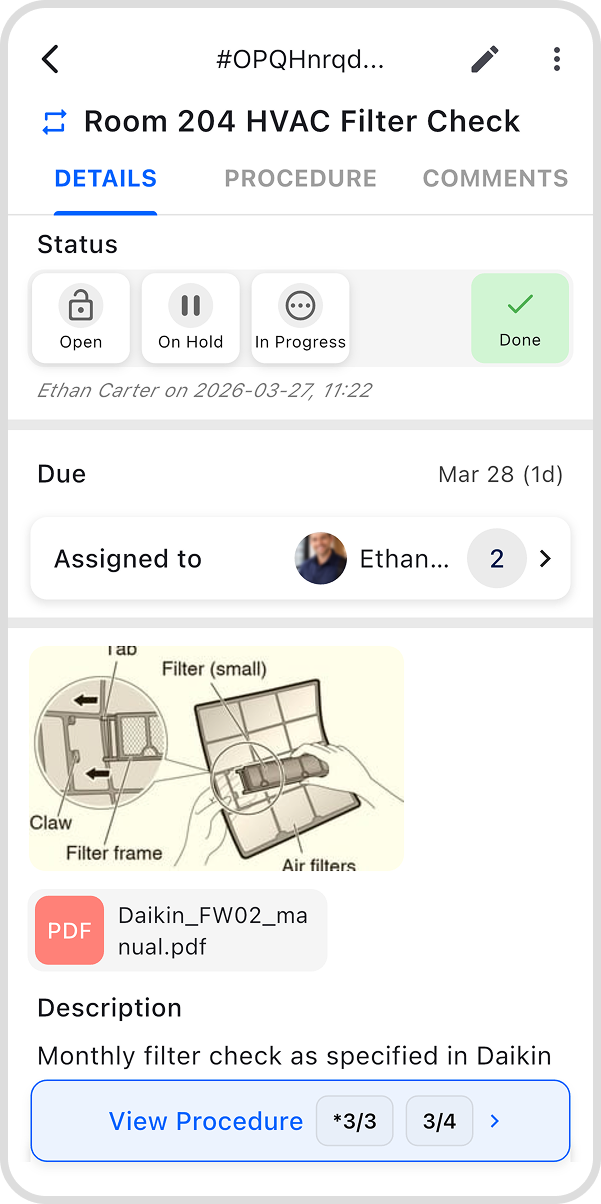
Keep task details and asset context in one place for a more organized workflow and controlled access.
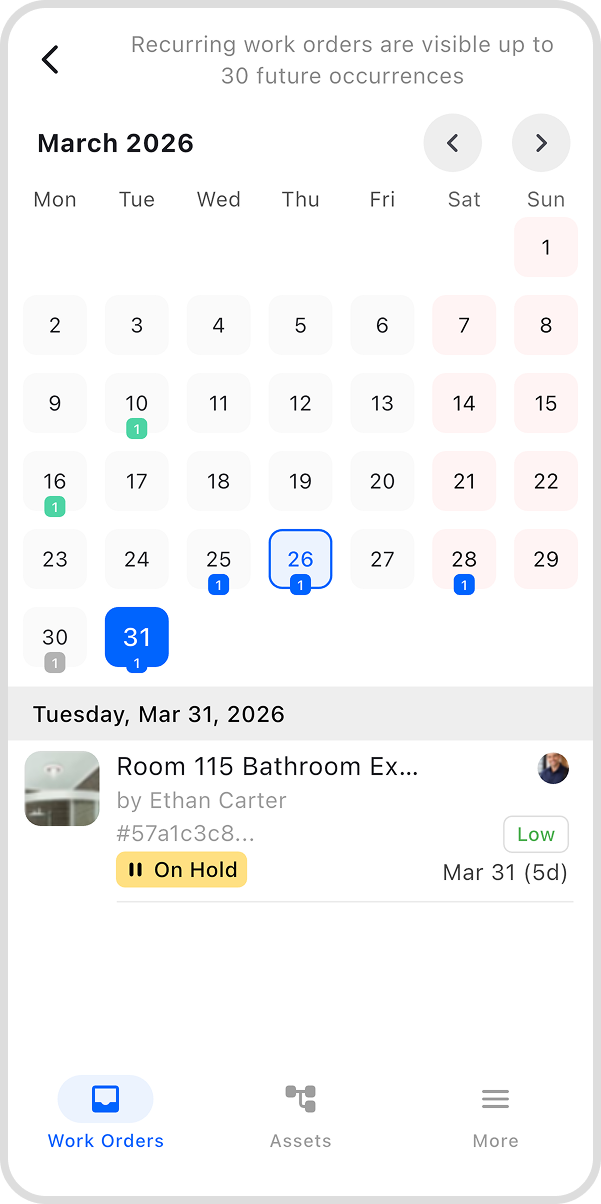
Review work orders in both list and calendar view for a clearer overview of planned activities.
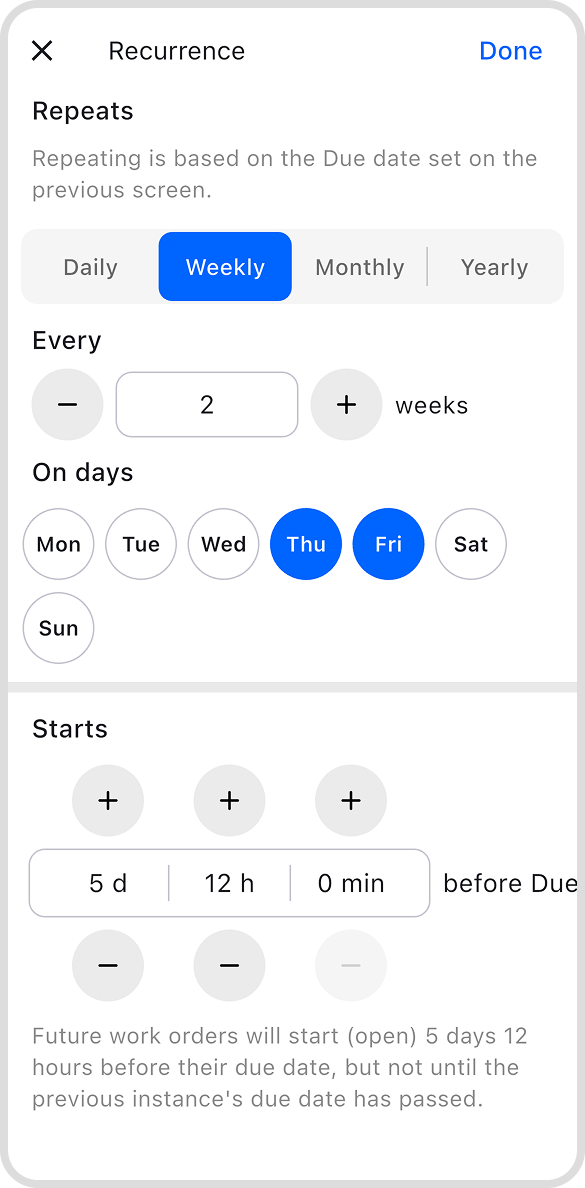
Automatically create recurring work orders at selected time intervals.
Generate PDF reports automatically after work order completion and send them by email directly from the system.
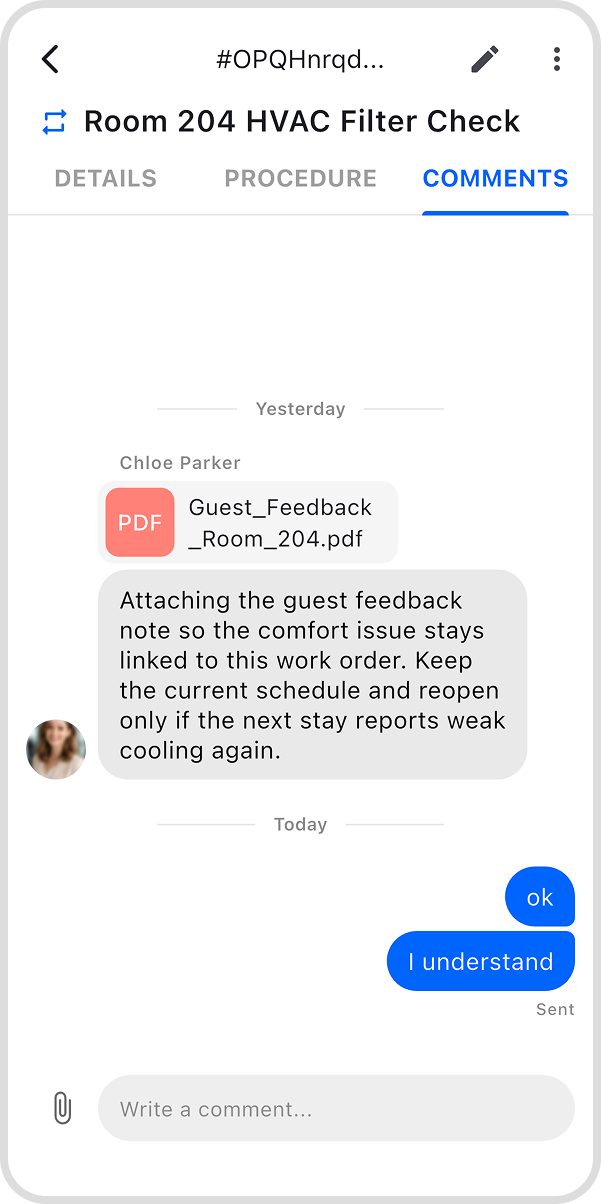
Keep all communication between stakeholders inside the work order through a dedicated chat based comments section.
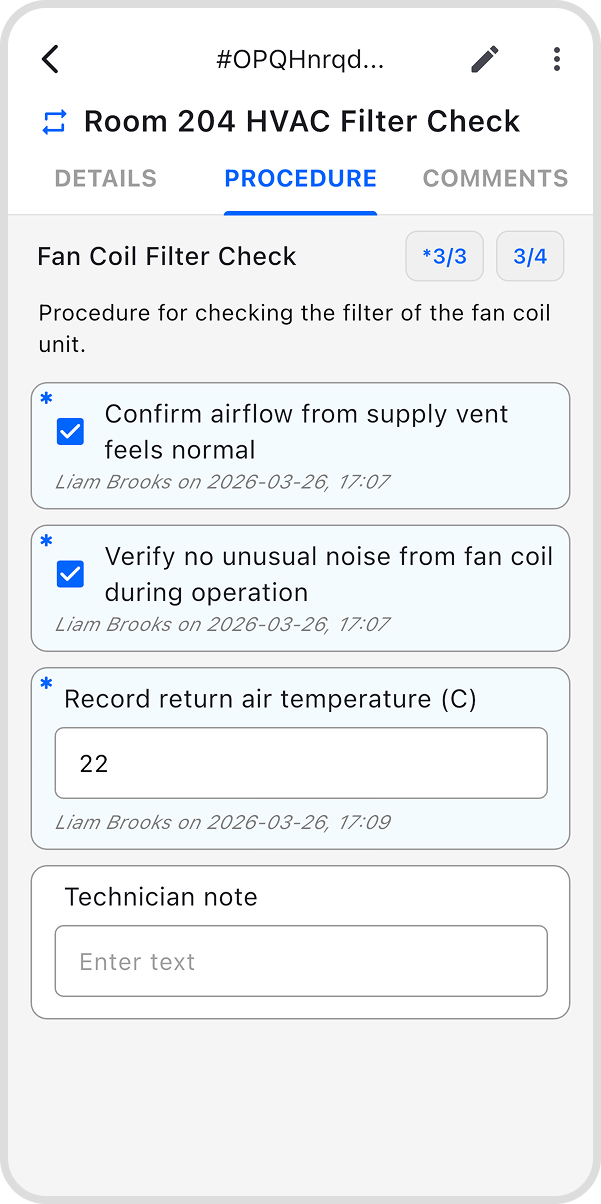
Attach a service procedure with clearly defined steps that must be completed before the work order can be closed.
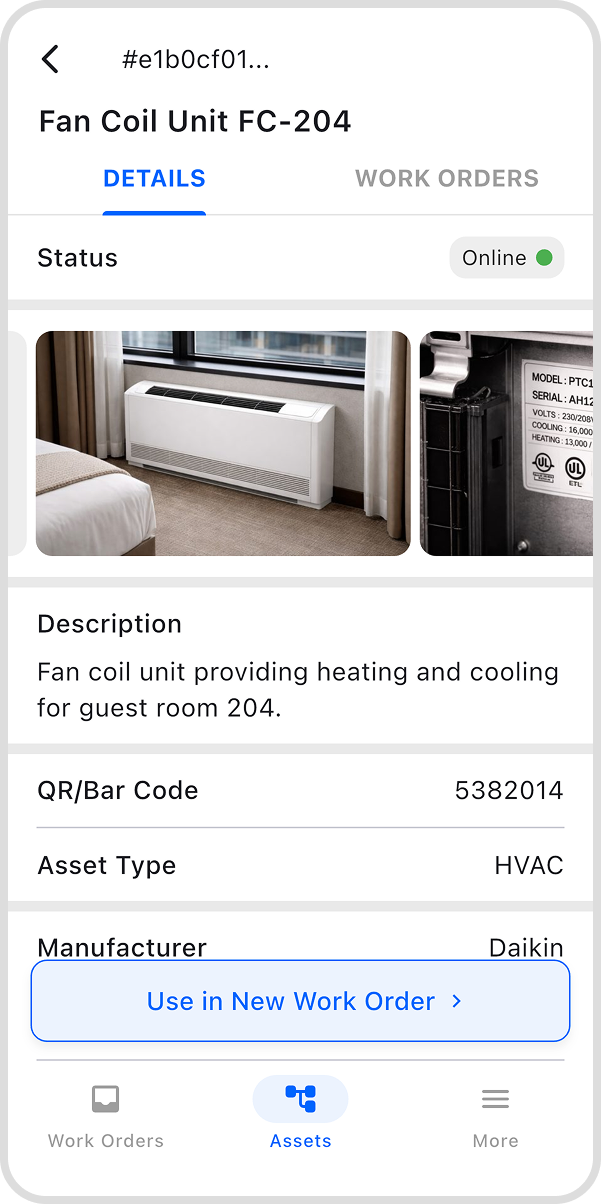
Keep the full history of work orders and service procedures easily accessible for every asset.
Assets
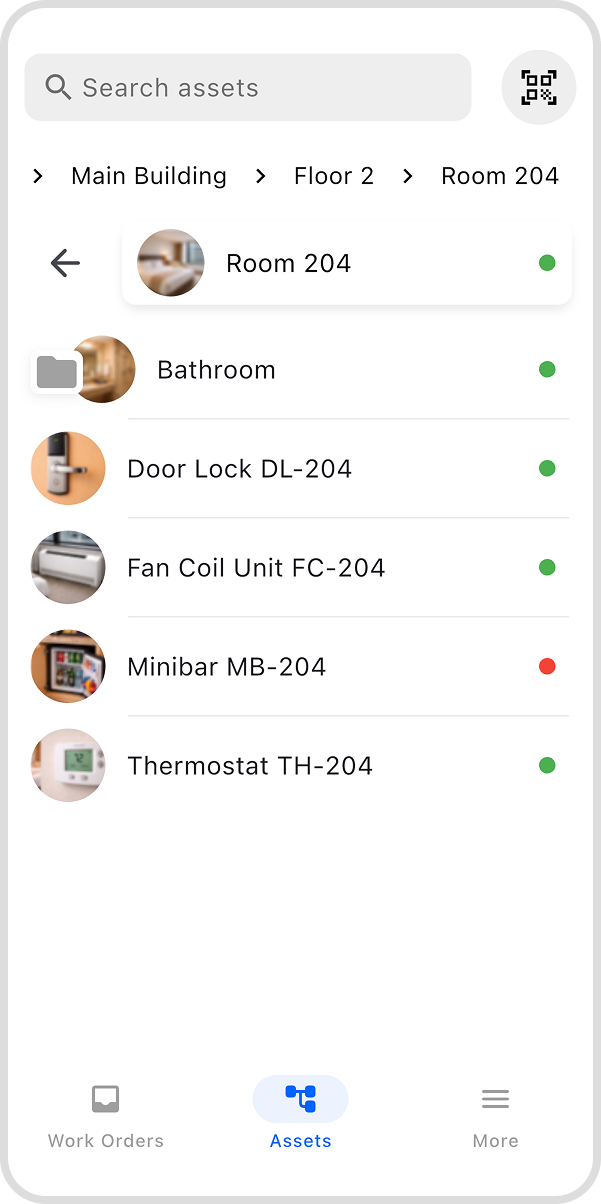
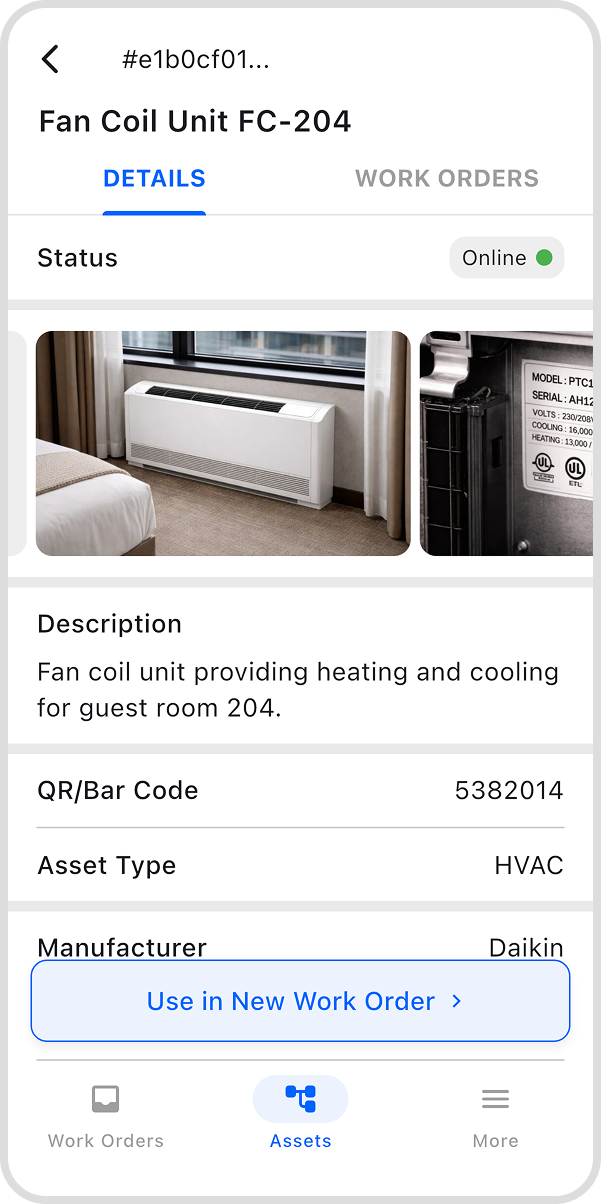
Organize assets in any hierarchy, such as site, building, floor, room, etc.
Ensure that each asset is visible only to authorized users.
Access all relevant specifications and related documents directly from the asset profile.
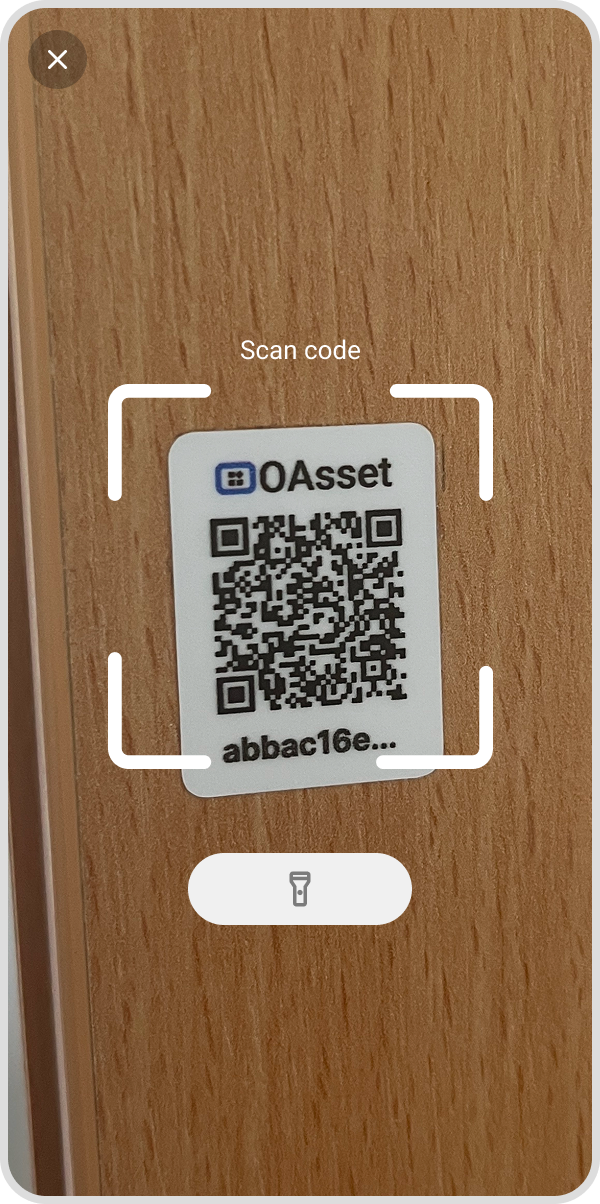
Open the asset profile quickly by scanning its QR or barcode directly in the field.
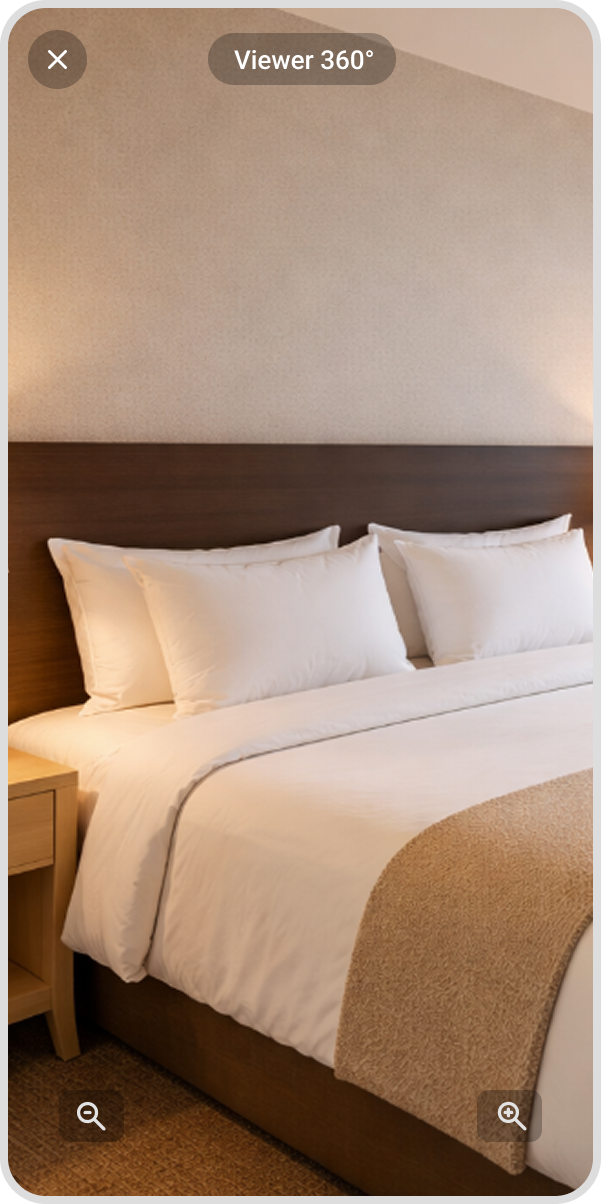
Use 360 space views for fast visual inspection directly inside the app.
Access asset information faster without searching through separate documentation.
BIM integration
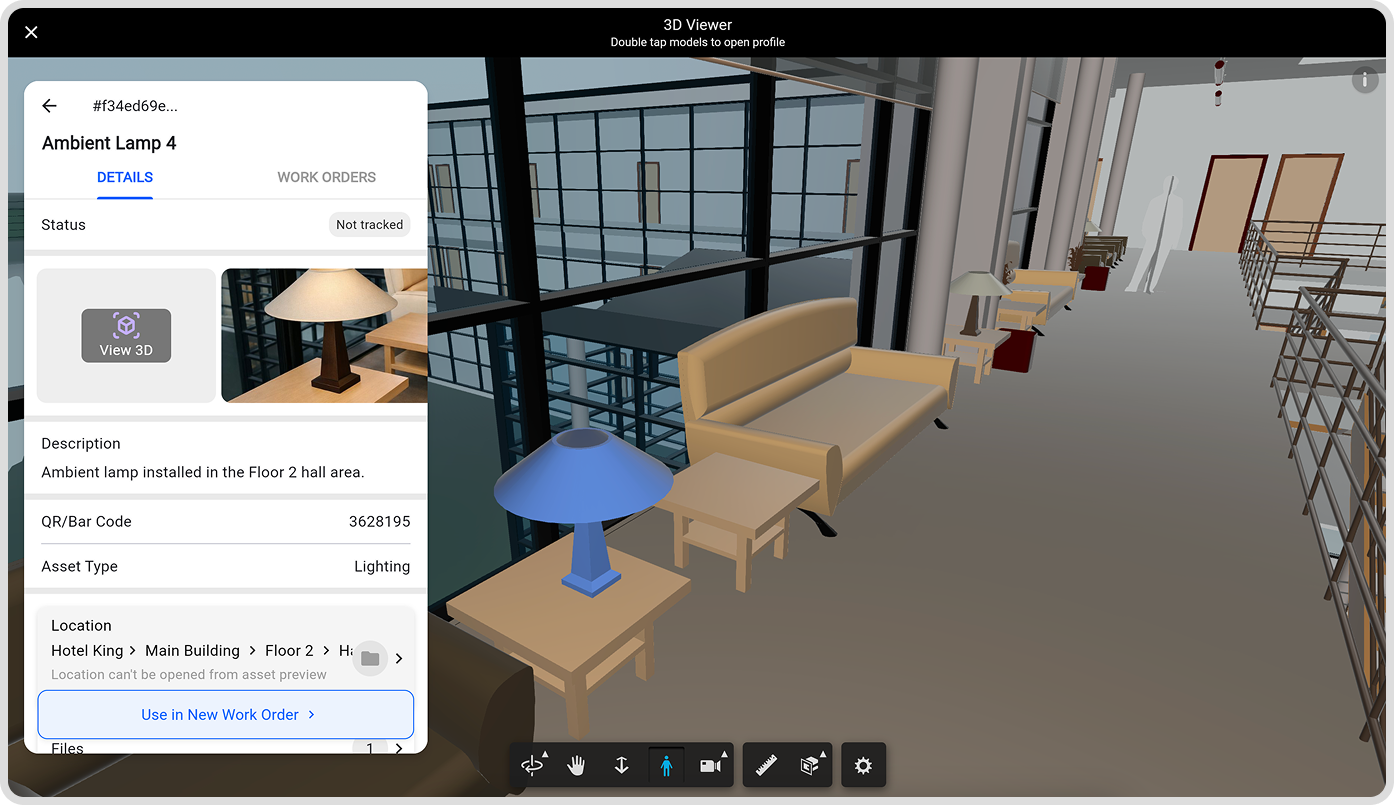
Use an interactive BIM 3D viewer of buildings and assets directly inside the app, it even supports first person view for realistic walk-through experience.
Inspect spaces and equipment with section views for faster visual review and better spatial understanding.
Combine BIM data, asset information, and maintenance workflows in one connected system.
Learn how to use our app
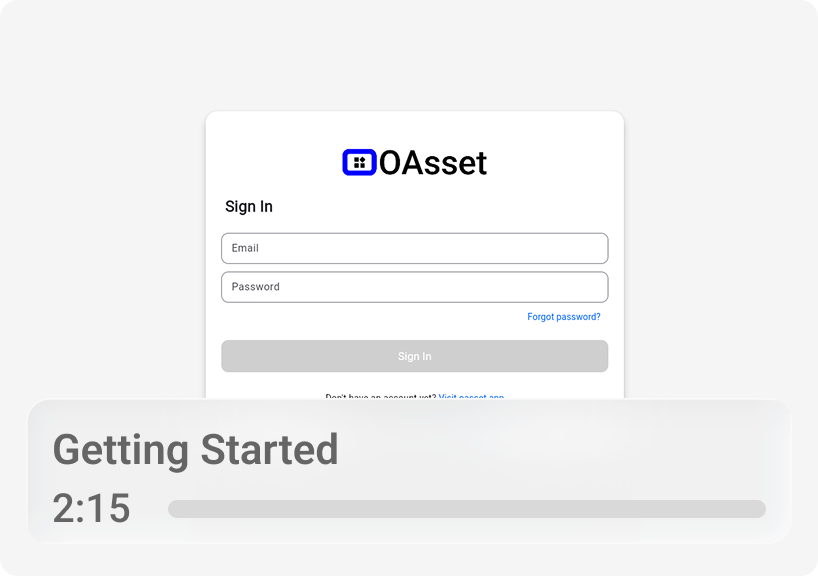
Get to know our app in our learning center. It covers everything from getting started to managing work orders and using advanced features.
Pricing
Premium
- Work Orders
- Assets
- Custom Procedures
- Work Order completion email reporting
Enterprise
- Photo 360 viewer
- BIM 3D Viewer
- Custom GIS implementation
- Custom integrations